Inside this article
In CPU specifications, “8 cores, 16 threads” counts physical cores and hardware threads, the execution slots a CPU presents to the operating system. A program’s thread is a path of work the processor runs; with simultaneous multithreading (SMT), one core presents multiple hardware threads to the operating system.
SMT helps a core handle parallel work, but 16 threads do not equal 16 full cores or guarantee twice the speed.
Three meanings of “thread”
A software thread is a sequence of instructions within a program. A program can use one thread or split its work among several. The operating system schedules those software threads to run on available processor resources.
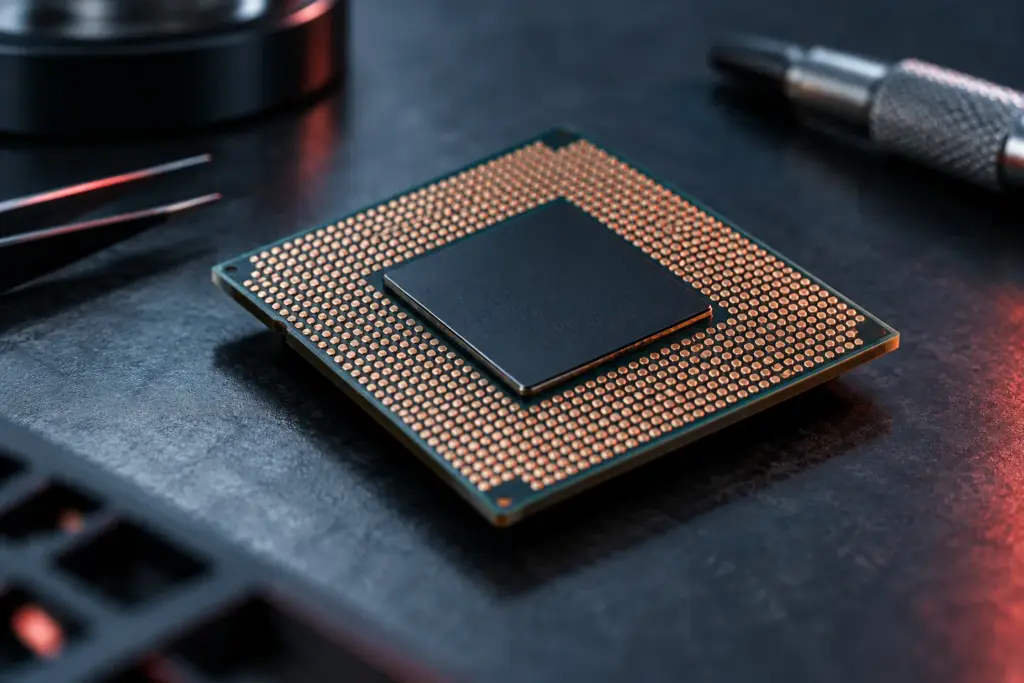
A physical core is a processing unit inside the CPU. When software has work that can happen in parallel, multiple cores let a processor run instructions from separate threads at the same time.
A hardware thread, also called a logical processor in many operating-system displays, is an execution context the CPU presents to software. SMT lets one physical core provide multiple such contexts. Because “thread” can mean either software work or a hardware context, check which meaning a processor’s specifications use.
What 8 cores and 16 threads mean
On a CPU where each core supports two hardware contexts, “8 cores, 16 threads” means the processor has eight physical cores and presents 16 logical processors to the operating system. The operating system can schedule software threads across those contexts.
Each pair of logical processors shares resources inside one physical core. That means the processor has fewer resources than 16 separate physical cores. The number of hardware contexts per core also varies: some processor designs expose one per core, while others expose two. Hybrid processors can use different arrangements for different core types.
How SMT can help
SMT, or simultaneous multithreading, lets a core work on instructions from more than one software thread. If one thread is waiting for data or cannot use all of the core’s available resources, another thread may use some of that capacity. This can improve how much work the core completes over time.
Think of two people sharing one workstation. The second person can use the workstation while the first waits for a tool, but both still share the same equipment. The analogy describes the shared resources, not a fixed division of processing power: SMT does not split a core evenly between threads.
Why more threads do not mean more speed
SMT improves performance only when the processor and workload can make use of the extra context. Threads that compete for the same core resources can limit each other, and software that cannot divide its work effectively gains little from additional threads. Creating and coordinating threads also takes effort from the program.
A task that depends mainly on one busy thread may benefit more from a fast individual core than from a higher thread count. Some games, for example, rely heavily on a main thread, while rendering or other parallel workloads can spread more work across multiple threads. Results depend on the specific processor and software, so there is no universal performance percentage for SMT.
What to check before buying a CPU
Check the exact processor model’s specifications for its physical core count and its hardware thread count. Do not assume every core supports two threads, especially on processors with different types of cores. Operating-system tools may show logical processors, which count hardware contexts rather than physical cores.
When choosing a processor, match it to the work you do. Consider how well your software uses multiple threads, then compare performance tests for that kind of work. Thread count helps describe the CPU, but it does not show how fast each core is or how well the processor handles your tasks.
Created with AI assistance using published sources. Illustrations are AI-generated. Redbag does not claim hands-on testing or exclusive reporting. Check the linked sources for changing product details.
Our approach ↗